Logistics
Shopping and Placing an Order on the SPAR2U App
We were asked about how to place an order on the SPAR2U app. Below are some answers on how to start shopping and place your first order on the SPAR2U app.
How Do I Know if My Order Has Been Successfully Placed or Not?
Congratulations on placing an order with one of SA’s most trusted retail brands! SPAR plays an integral part in communities across South Africa, and we value your support.
Once we’ve received your order, a confirmation pop-up will appear in the SPAR2U app, and a confirmation email with your order details will be sent to the email address linked to your account.
This confirmation indicates that your order has been received.
What Can I Order Online?
With SPAR2U, you can shop from a wide selection of products specially selected for our online range. We’re regularly updating our product selection to bring you our full range from both SPAR and TOPS! Enjoy your shopping experience!
What Is the Minimum Order Value?
The minimum order value is R100 per order.
What Is the Maximum Order Qty?
The maximum items per basket is 60.
Can I Order Groceries and Household Essentials Together on SPAR2U?
Yes. You can shop for groceries and household essentials in a single order.
Please keep in mind that orders are subject to a maximum weight limit.
How Do I Order Combo Deals?
From the Home page, tap the “Special Offers” tab. Select any product that says “Combo” and add all the combo deal items to your cart, it’s that simple!

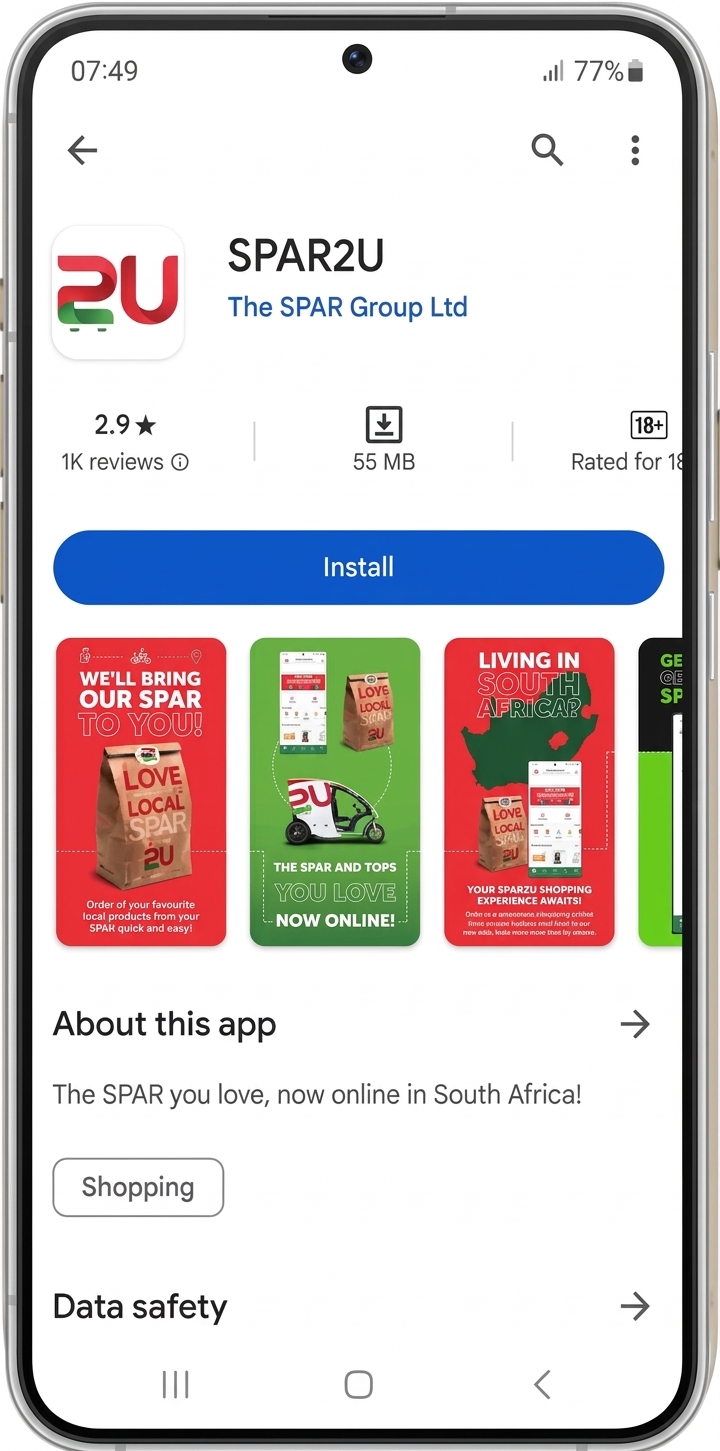
Tap the “Special Offers” tab from the SPAR2U app Home Page.

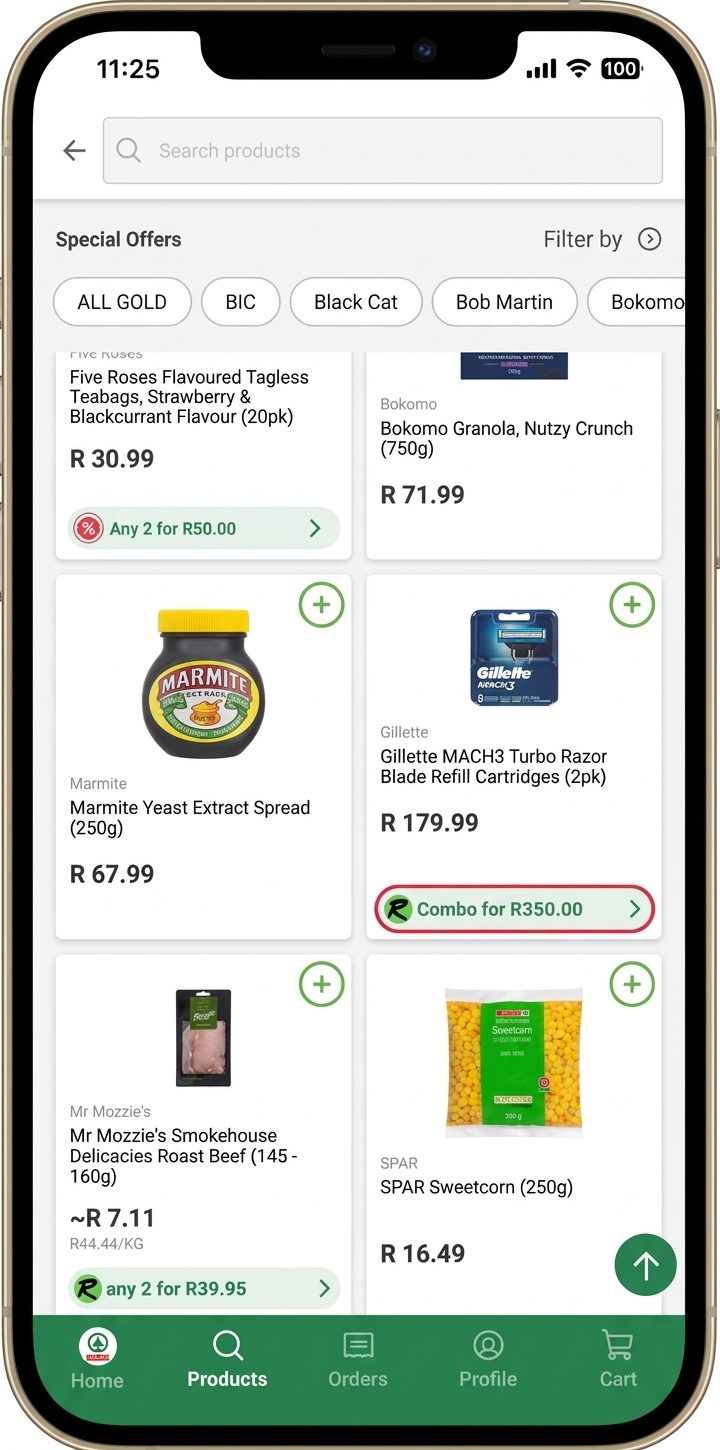
Browse any of our deals and select the Combo that you would like.
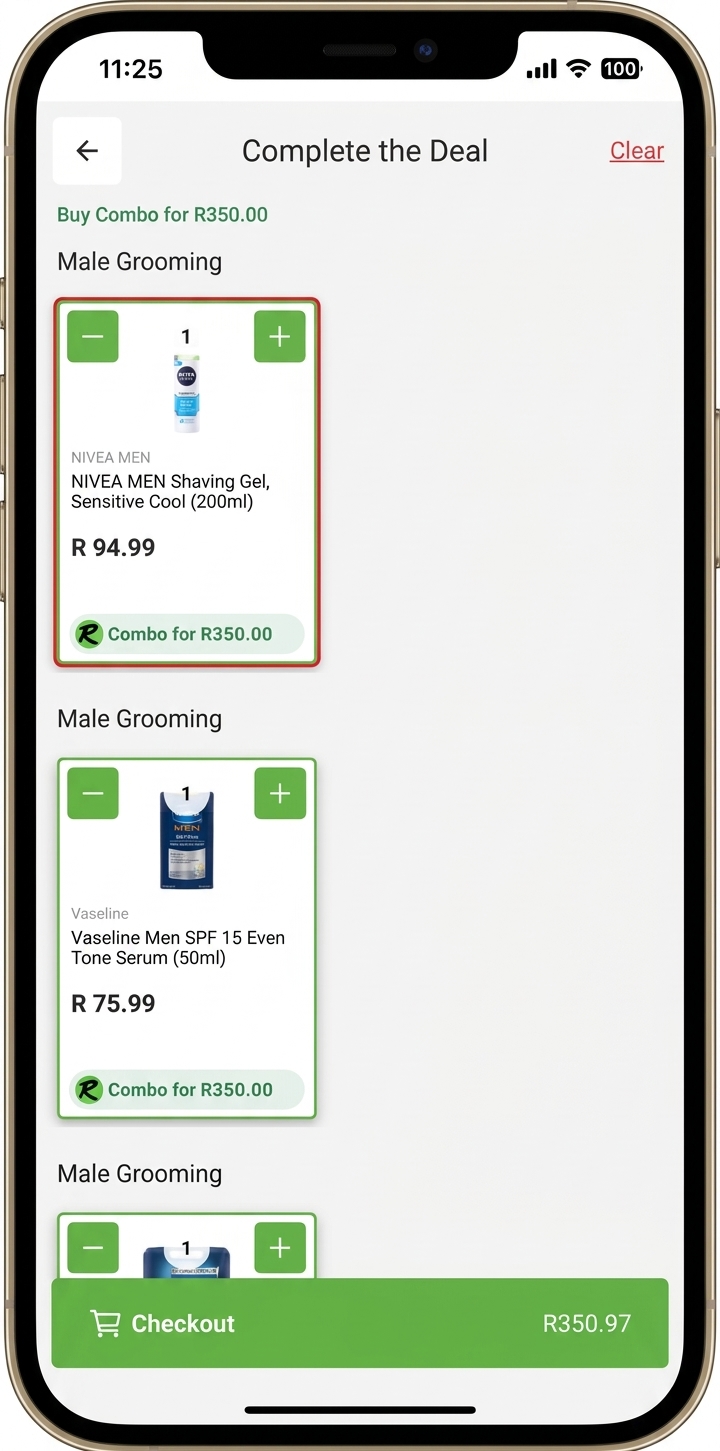
Add all the participating products to your cart and you’re done! The discount will automatically be applied at checkout.
If you have any further questions or need to download the app go to https://www.spar.co.za/spar2u