Logistics
Getting Started on the SPAR2U App
We have had a few questions on how to use the SPAR2U app. Below are some answers on how to get started on the SPAR2U app.
How Do I Get the SPAR2U App?
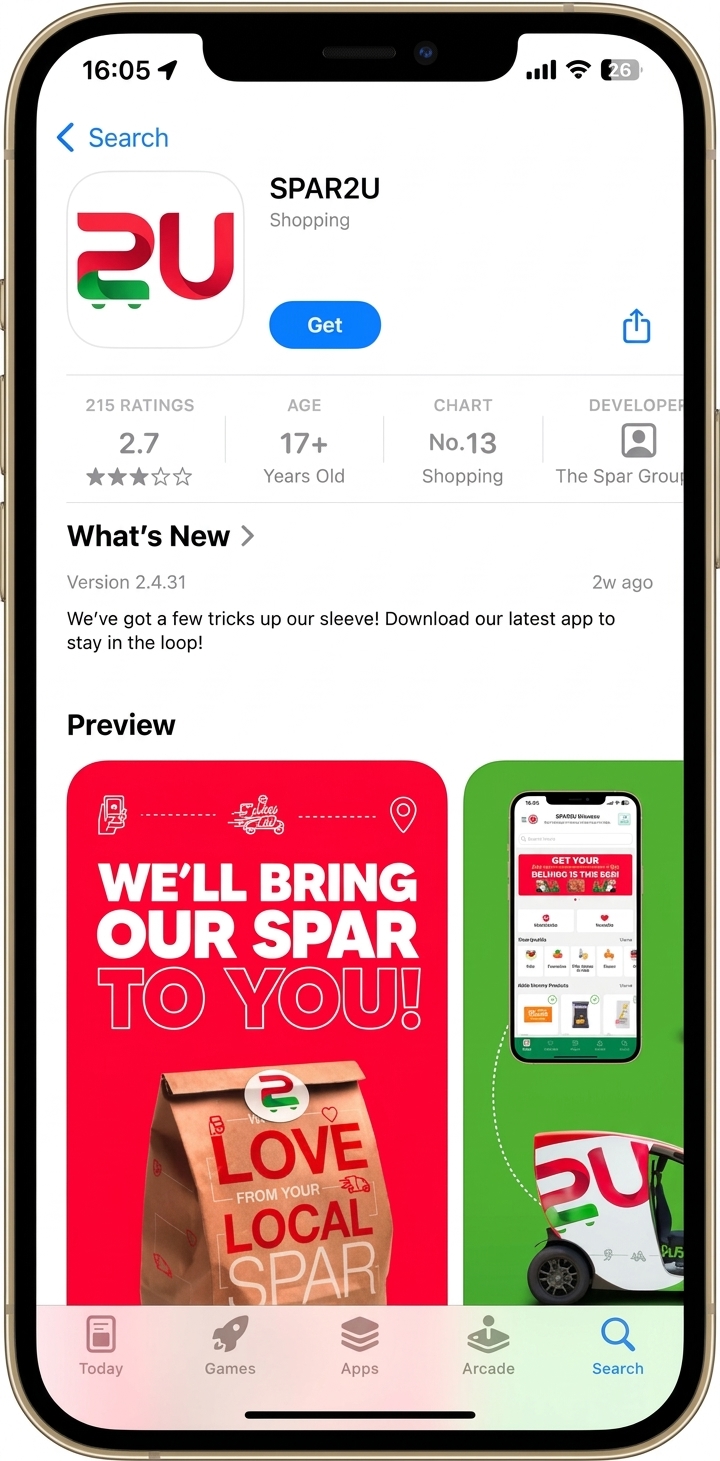
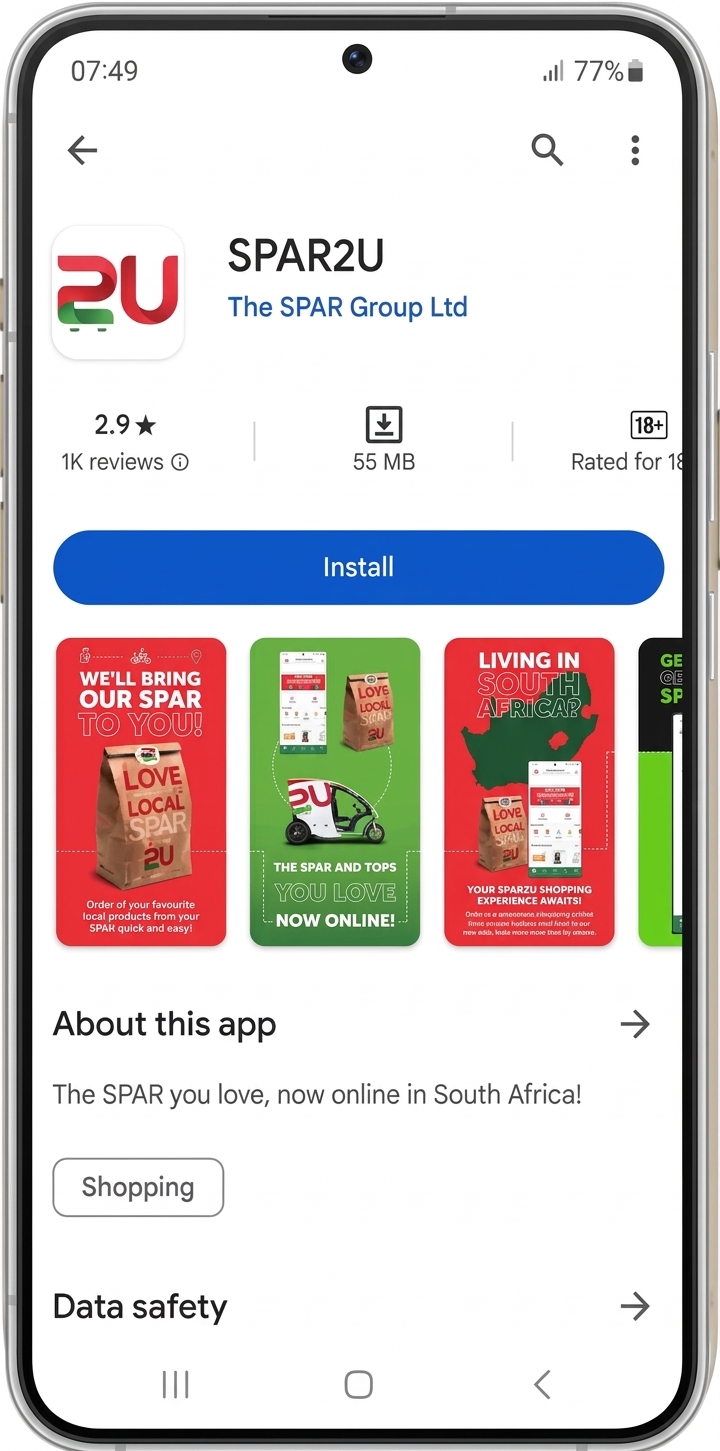
If you’d like the convenience of getting your favourite SPAR items delivered to your door, open the app store on your iOS or Android mobile device. Search for SPAR2U, install the app and register or sign up to continue.


How Do I Register/Sign Up?
When you log on to SPAR2U app you will be prompted to register or login using your SPAR Rewards Account Details.
Fill in the required fields and you’re good to go… Welcome to the SPAR2U family!
Why Do You Need My ID Number?
Many major retailers in South Africa use a similar process, and we understand the concerns you may have about sharing your ID number.
Ultimately, your ID number helps us keep your SPAR2U account safe. It’s stored securely and handled with care, just as you’d expect from a trusted retailer.
Why Does My App Keep Saying “Oops Unable to Connect. Please Check Network Connection”?
The SPAR2U app is a mobile app which is dependent on a stable internet connection.
Please make sure your mobile data or Wi-Fi connection is active, and check your internet settings to enjoy the best possible online experience.
Is There an App to Order Groceries From SPAR Online?
Yes. You can order groceries online from participating SPAR stores using the SPAR2U app, available on Android and iOS.
Which Grocery Delivery Apps Work With SPAR Stores?
You can find us on our dedicated SPAR2U app. Availability depends on participating SPAR stores in your area.
Visit our where we deliver page to see the current list of stores offering SPAR2U delivery.
Is It Safe to Order Groceries Through SPAR2U?
Yes. SPAR2U uses secure payment methods to help protect your personal and payment information.
If you need help with your account, payment, or anything else, please visit our customer care page. Our team will be happy to help.
If you have any further questions or need to download the app go to https://www.spar.co.za/spar2u